On this page
Data session diagnostic tool
Transatel’s SIM Management platform allows you to know the following information about the data session of your SIM card in real-time:
Note: this tool is not available for customers on MVNO France Light and MVNO UK frameworks
– The visited network
In this first iteration, we will display the Visited Network Identity code, which is a combination of the Mobile Country Code (MCC) & the Mobile Network Code (MNC)
For example, 20815 will appear for a SIM in France (208) on the Free (15) network.
You can look up the code here: https://www.mcc-mnc.com
– Bearer
Radio access technology currently in use: 2G, 3G, 4G, 5G
– The APN (Access Point Name) used for the session
It can be either our default, dedicated-to-the-IoT “mobiledata” APN, or your business’ private APN
– The device’s private IP address
– The device’s IMEI and IMEISV
The IMEI (International Mobile Equipment Identity) is the unique identifier of your device. It consists of 15 digits: 14 + luhn digit. On hover, the IMEISV is displayed = 14 + SV (Software Version) = 16 Digits
How to access and use the tool?
Go to the line view of your SIM, and in the checkup panel, click on “See more info” in the Last Communications section. This will launch the tool instantly.
See it in action below: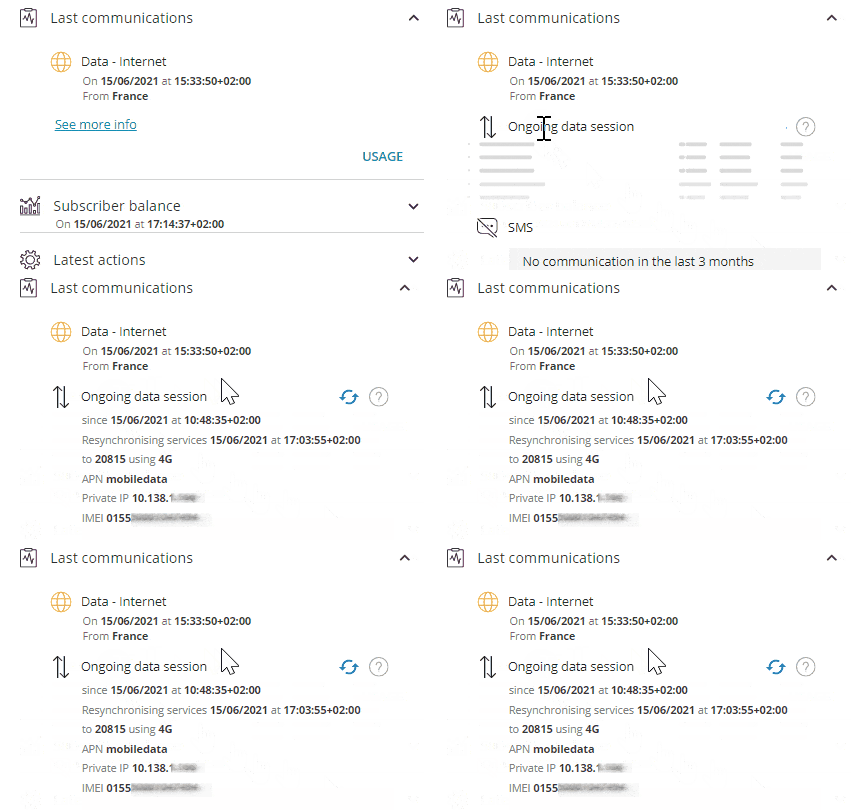
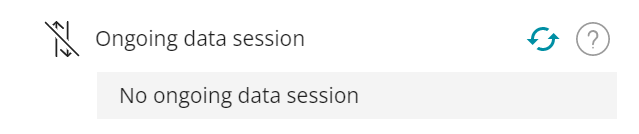
As the tool is in real-time, it will only display information if there is an ongoing data session.
If there is no active data session, you will see this message: