On this page
High Usage File Report & Alert emails
This article explains the format and contains of alert emails and report files generated when a SIM has reached a usage threshold you have configured.
For further details on how our automated rules work, you can refere to the following articles:
– managing usage rules
– creating usage rules
Email & file report format
Notifications are sent every hour if one or multiple SIMs have triggered a rule.
If multiple SIMs triggered a rule during that period, the hourly email and file report will include them all, detailing which SIM broke which specific rule.
Email notification
Sender: noreply@transatel.com
Subject: High Usage Alarms
You can add multiple email recipients who will receive the alert emails.
The email’s body contains the following information, and a CSV report file is attached (identical to the one deposited on your SFTP account)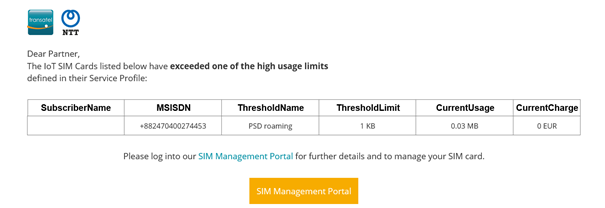
Report file Format
90 days of files history are available on your SFTP. If you do not retrieve the files, older files will be deleted.
The report is in CSV format and includes the following fields: 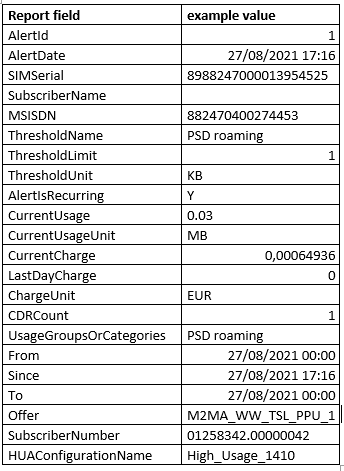
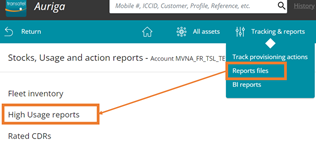
The report can be retrieved from the Tracking & reports > Report files menu