


On this page
Time Zone Management
About the Time zone button
If you are following a fleet of devices worldwide, or work with users in different time zones, it can be difficult to track time.
In order to facilitate usage & actions follow-up, you can set Auriga to specific time zones.
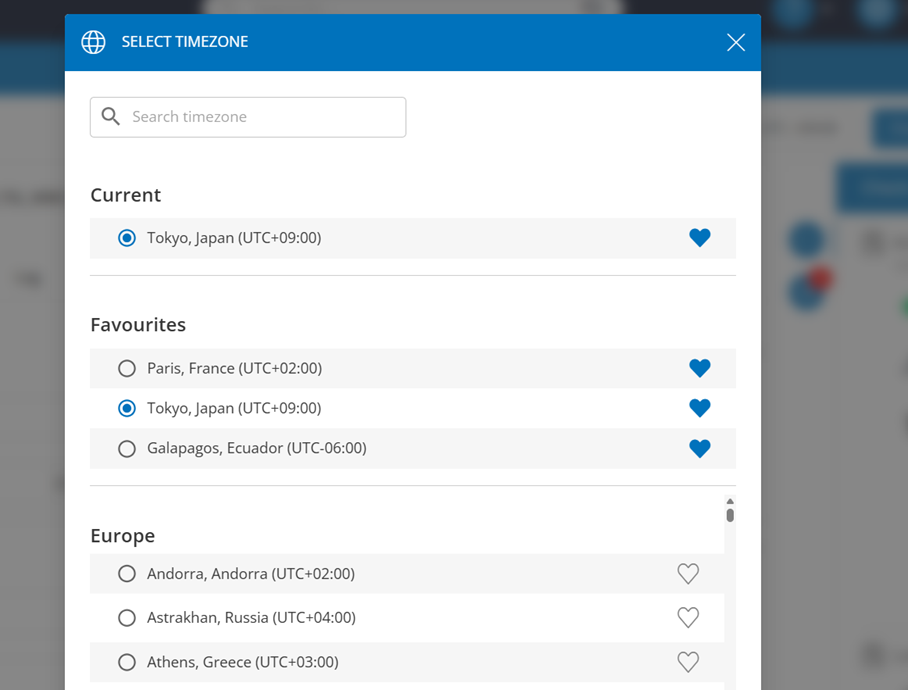
How the time zone management works
A time zone button is accessible at the Line Detail level, allowing you to update all date and time timestamps displayed in the following tabs:
- Check-up panel
- Usage tabs
- Transactions
- Logs
To find the button, go to any line, and you will see the button
How it works :
- The selected time zone is applied instantly to all timestamps on the page.
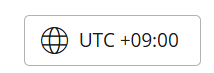
- The time zone selection is saved when navigating between different SIMs.

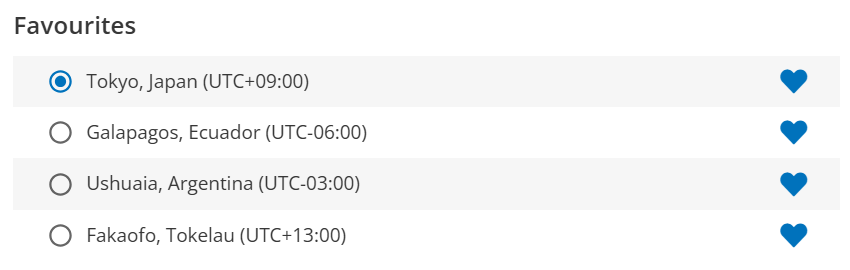
- You can save one or more favorite time zones for quicker access.
Can't find your answer?